✦ A challenge journalComing soon on iOS

Show up.
Keep the memory.

One step a day. A photo, a clip, a line or just a check. At the end, your challenge becomes a story and a film.

You're in. We'll write once, on launch day.

One email at launch. No spam, ever.
T
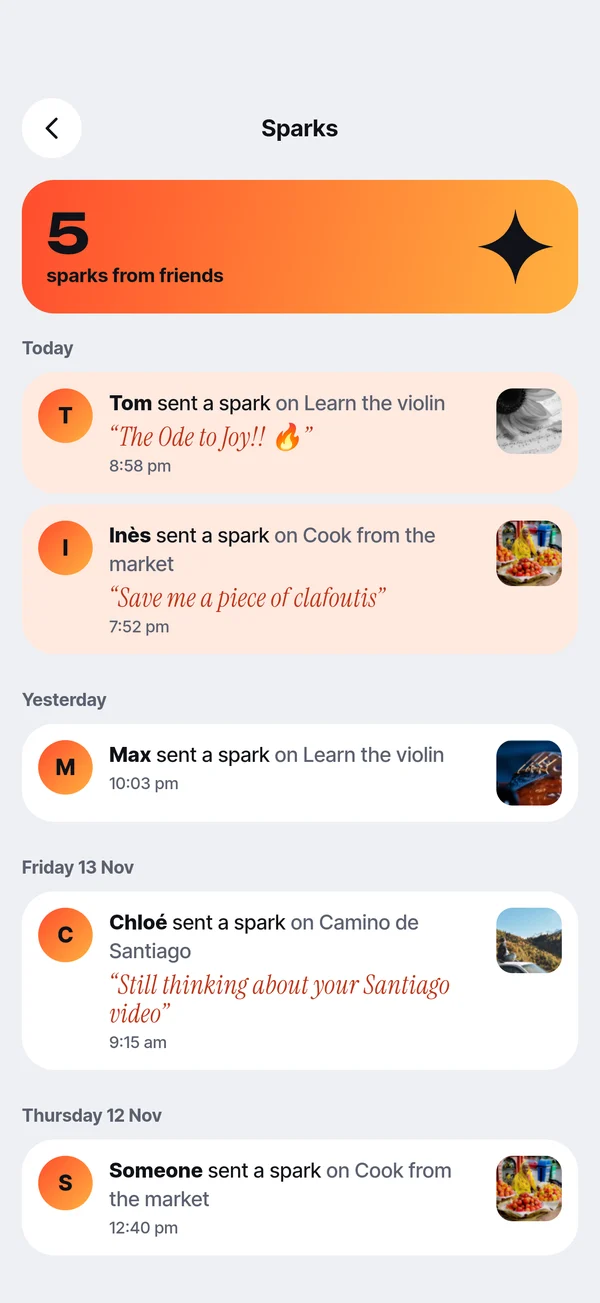
Tom sent a spark“The Ode to Joy!!”
🔥
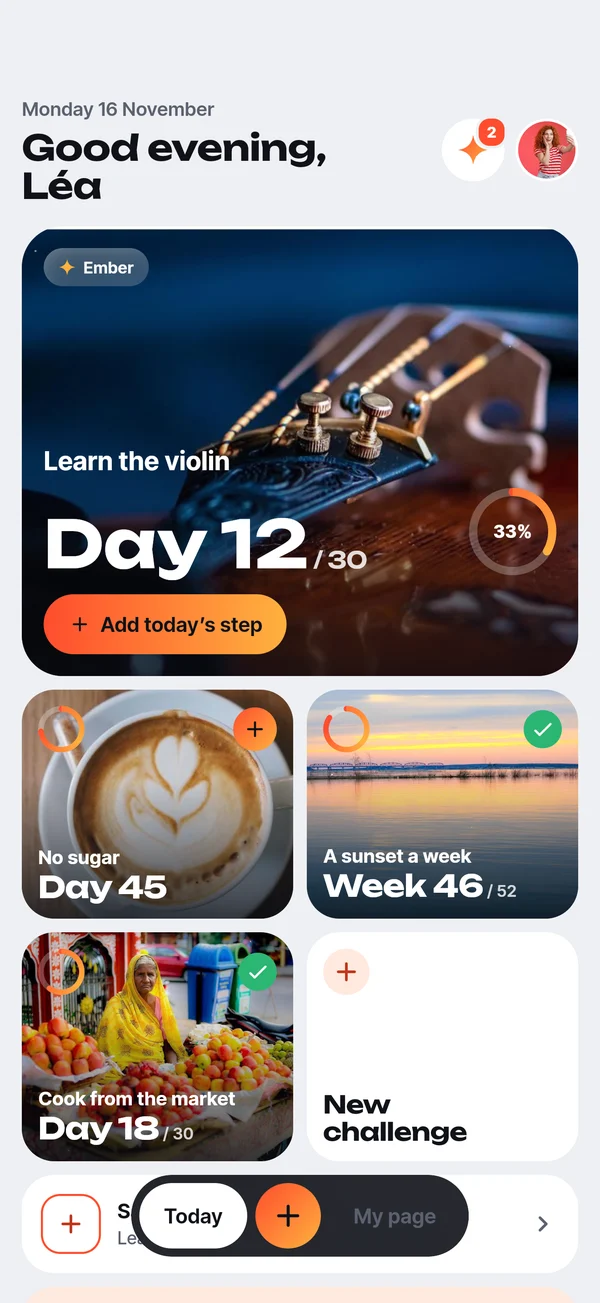
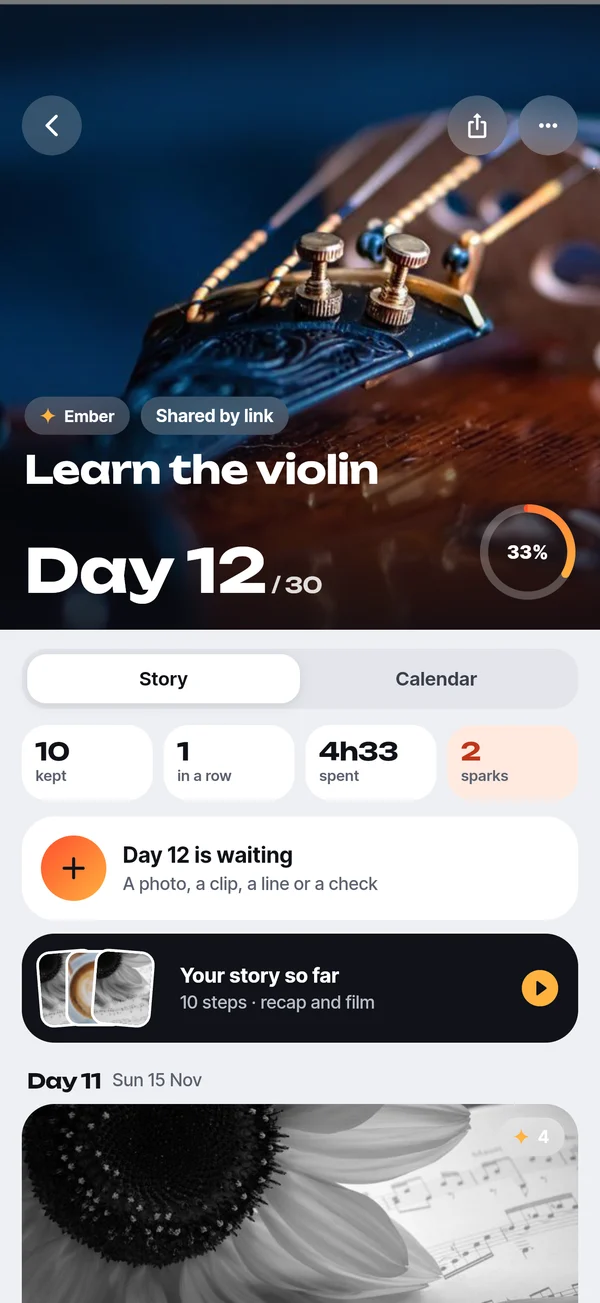
Day 12 / 30Ember · 33% done
How it works

One step a day.
That's the whole trick.

Pick something you want to see through. Favia keeps the rhythm, you keep the proof.

01

Start a challenge

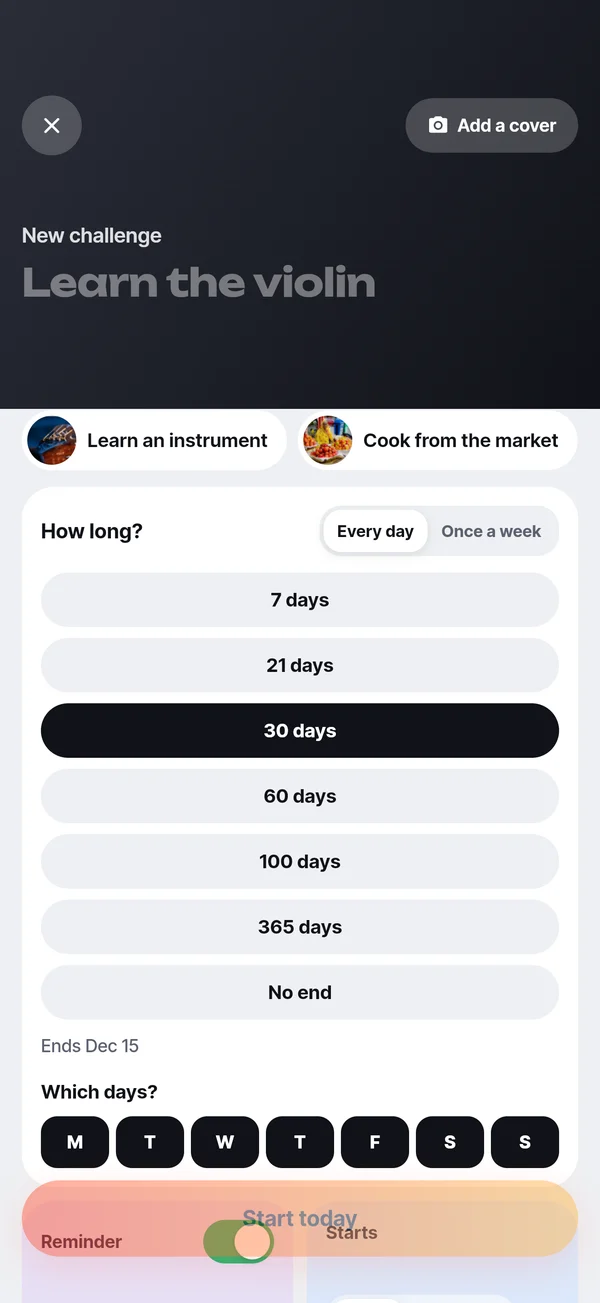
30 days of violin, a walk every week, no sugar for a month. Daily or weekly, you choose.

02

Log today's step

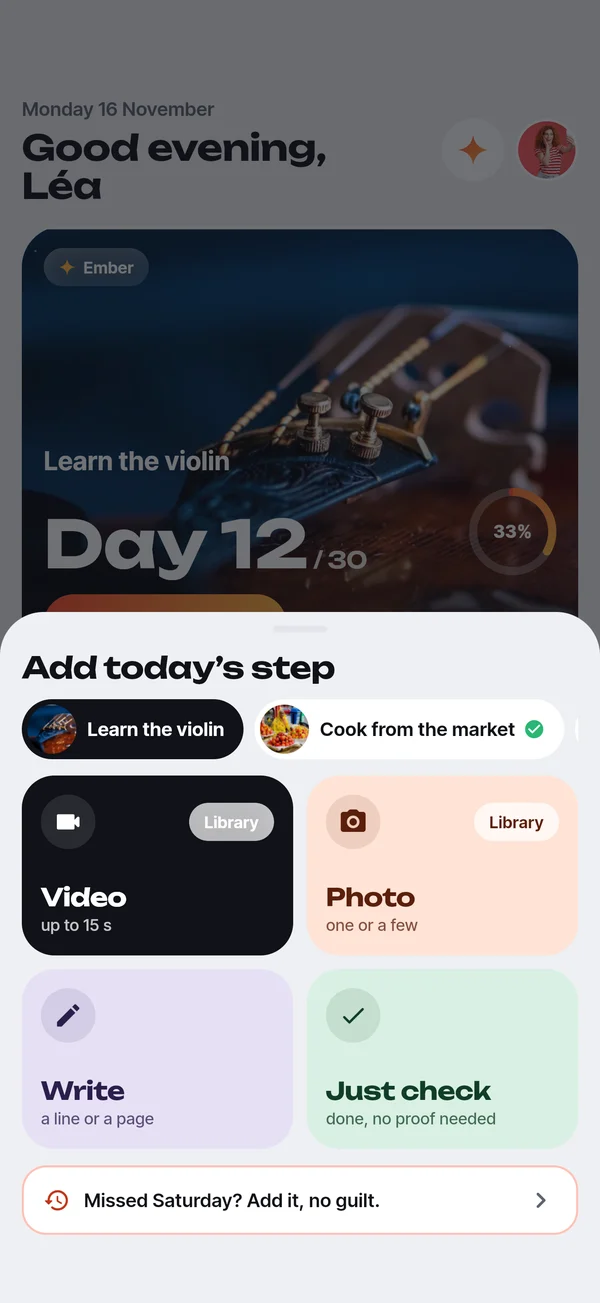
A photo, a short clip, a line or a simple check. Ten seconds, no pressure to perform.

03

Watch it grow

Your timeline fills up day after day, and your fire grows with it.

✦ Spark
Ember
Flame
🔥 Fire
The best part

Relive it as a story.
Keep it as a film.

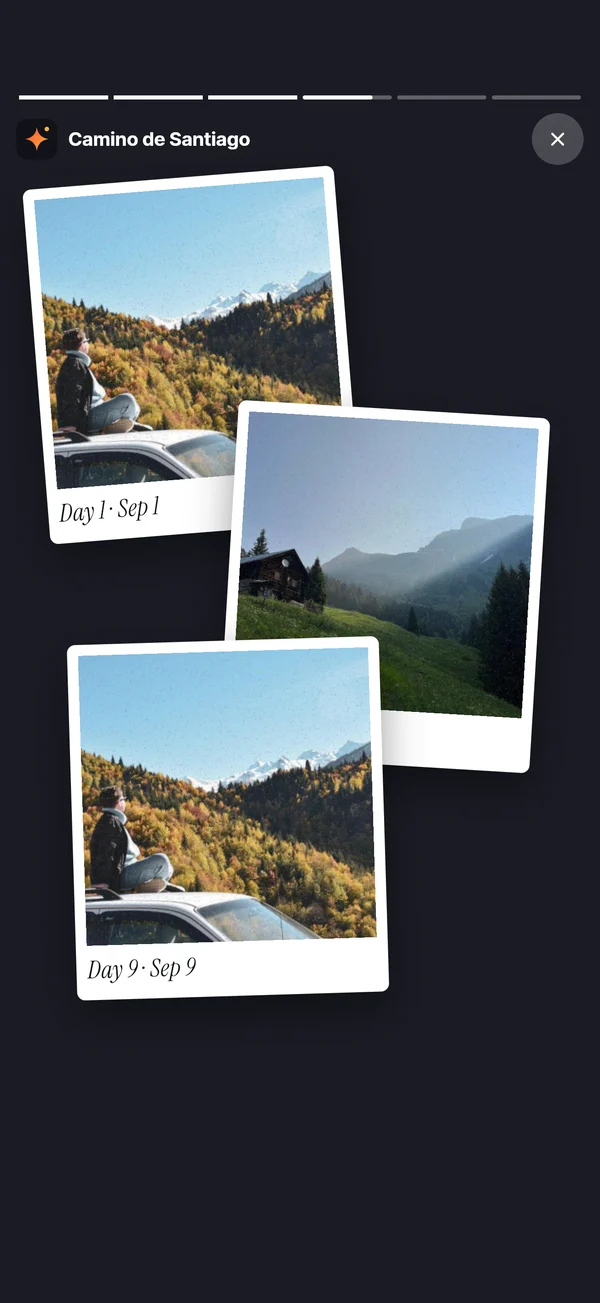
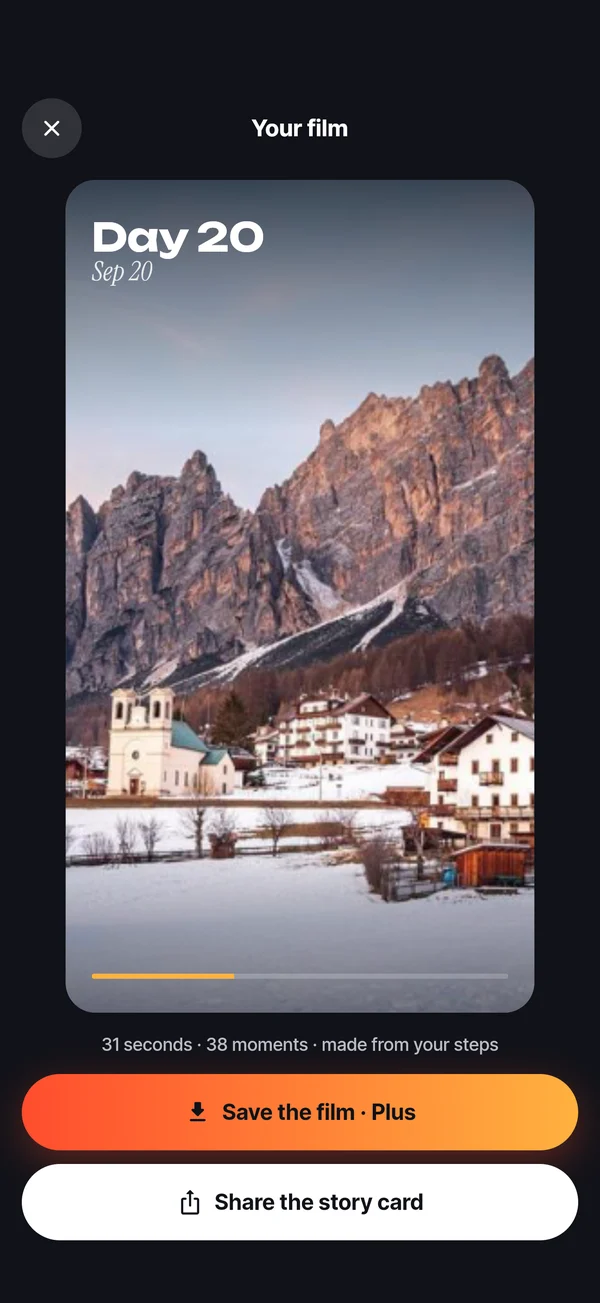
When you reach the finish line, Favia turns every step into a story you can scroll and a 30-second film you can share.

1Your numbers: days, photos, longest run of days, sparks received.
2Your best moments and your own words, laid out like a scrapbook.
3A vertical film, ready for stories and TikTok.
Friends, without the feed

Friends send
sparks.

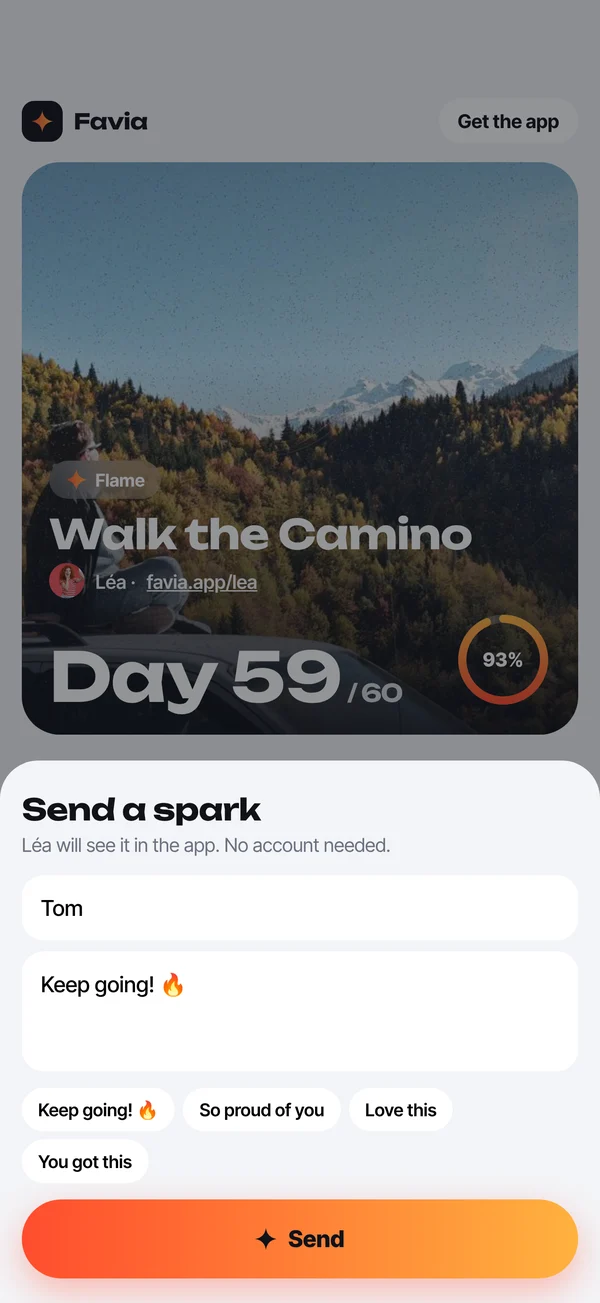
Share a link to your challenge. Friends open it in their browser and send a spark with a word of support. No account, no app, no feed.

✦Private by default. You decide what goes on the link.
✦Sparks land in the app, right on the day they cheered.
Kind by design

Missed a day?
No guilt.

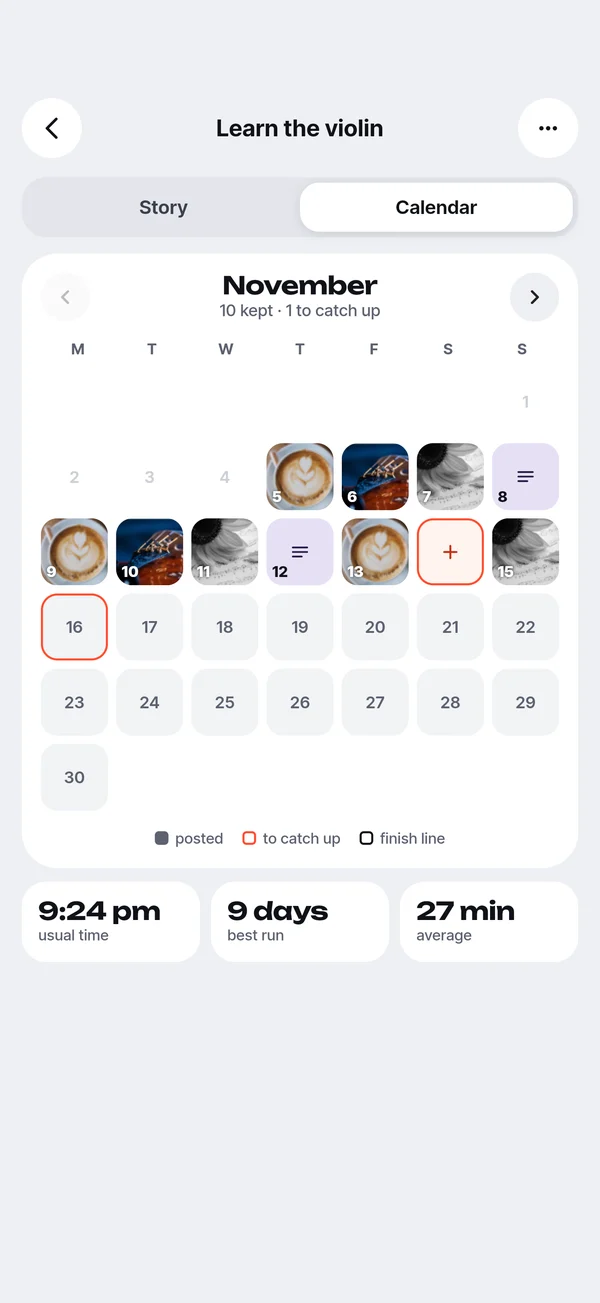
Life happens. Catch up on any of the last 7 days, pause when you travel, and a missed day is just a day of rest. Never a red cross.

Need an idea?

What will you see through?

365 days
A photo a dayOne frame, every day
31 days
10 min stretchingJust a check
12 weeks
1 new recipe a weekA photo of the plate
31 days
No added sugarA check, and a word on hard days
31 days
Learn 1 songA clip of today's practice
31 days
3 lines before bedThree lines, every night
Plans

Start for nothing.
Go further with Plus.

Favia

  • 2 active challenges
  • Photos, clips up to 15 s, notes and checks
  • Story recap at the finish line
  • Share links and sparks
  • Reminders at your time

Favia Plus

  • Unlimited challenges
  • Clips up to 60 s
  • Your challenge made into a film
  • Themes and home screen widgets
  • Everything in Favia
Questions

Good to know

Do I need an account?

No. Favia works right away and keeps your steps on your device. Sharing a challenge creates a private link, nothing more.

Who can see my challenges?

Nobody, until you share one. Each challenge has its own setting: private, anyone with the link, or on your page.

Do my friends need the app to send a spark?

No. They open your link in their browser, write a word and send it. It lands in your app.

What if I miss a day?

Missed yesterday? Add it now. It still counts. You can catch up on any of the last 7 days. You can also pause a challenge, and the finish line moves with it.

When does it launch, and on Android?

iOS comes first. Join the waitlist and we'll send one email on launch day. Android follows.

Your next challenge
deserves a memory.

Be the first to try Favia.

You're in. We'll write once, on launch day.